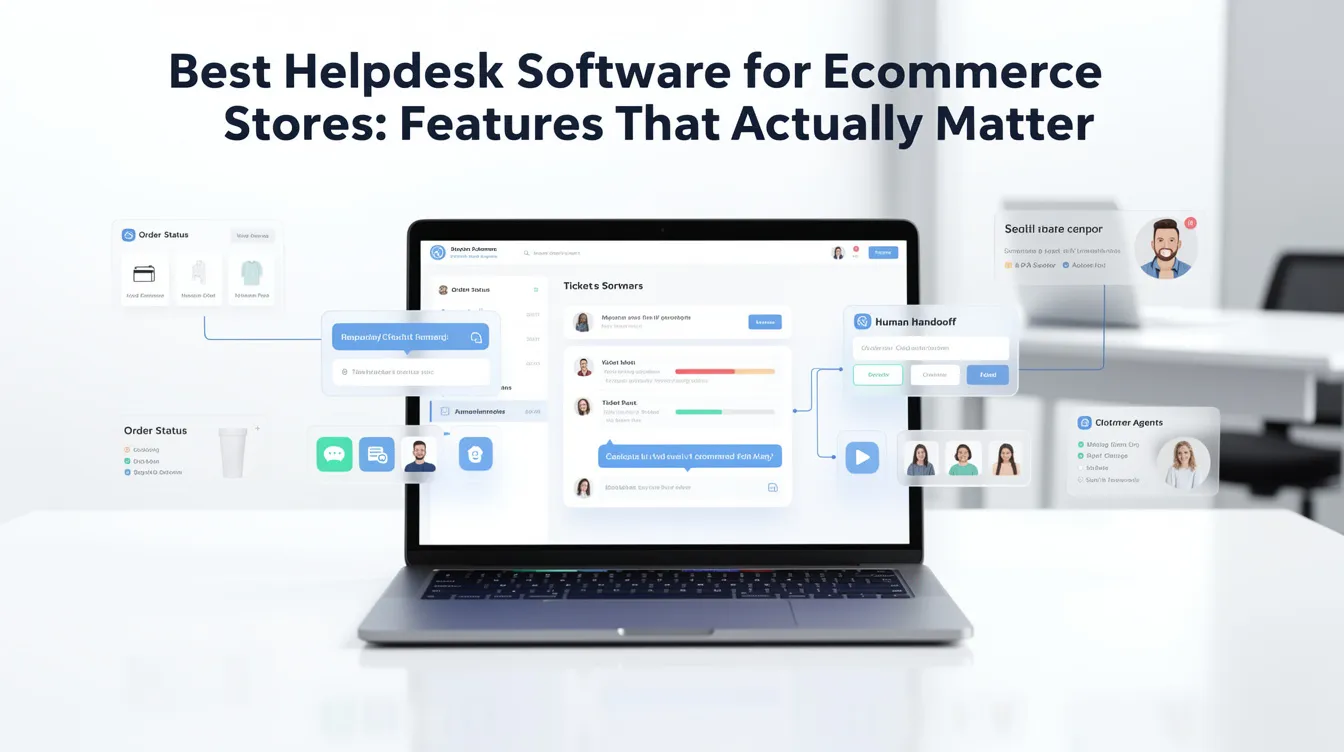
Best Helpdesk Software for Ecommerce Stores: Features That Actually Matter
Ecommerce support is full of repeat questions, but the wrong automation can damage trust. The right AI helpdesk speeds up common replies while keeping sensitive issues under human control.
Use a few examples from your own inbox first. If the drafts, routing, and handoff feel natural, then expand automation safely.
Key Takeaways
- Ecommerce support needs speed, accuracy, and careful escalation.
- Shipping, returns, product questions, and complaints should be tracked in one place.
- AI should draft and organize, while humans decide sensitive money issues.
- Pick software that reduces repeated answers and missed follow-ups.
Ecommerce support has a different rhythm from general customer service. Shoppers ask about shipping, returns, product details, order status, discounts, damaged items, delivery timing, and payment issues. Many of these questions are repetitive, but they are also sensitive because money and delivery expectations are involved.
The best helpdesk for ecommerce should combine speed with careful escalation. It should help answer common questions quickly while keeping refund, delivery, and complaint conversations traceable.
Recommended next step
Compare SparrowDesk for ecommerce support operations
If your store needs faster replies for shipping, returns, product questions, and complaints, SparrowDesk is worth testing as an organized AI-assisted helpdesk.
Compare SparrowDesk for ecommerce support
Affiliate disclosure: we may earn a commission if you buy through this link, at no extra cost to you.
Why ecommerce stores outgrow ordinary inboxes
A normal inbox works when order volume is tiny. It breaks when multiple customers ask about different orders at the same time and two team members reply without seeing the full history. That leads to duplicated work, inconsistent answers, and delayed responses.
An ecommerce helpdesk should make it easy to see the status of the conversation, the topic of the request, and who owns the next reply.
Key ecommerce support workflows
| Workflow | What AI can help with | Human role |
|---|---|---|
| Shipping questions | Draft updates and suggest tracking-help responses. | Confirm account/order-specific details. |
| Returns | Share policy-based replies. | Approve exceptions or refunds. |
| Product questions | Suggest answers from product knowledge. | Handle fit, compatibility, or edge cases. |
| Complaints | Summarize history for agents. | Respond with empathy and judgment. |
Features ecommerce teams should prioritize
- Conversation history: customers should not have to repeat themselves.
- Saved answers: shipping, returns, and sizing questions should be reusable.
- AI drafts: agents should get a helpful starting point, not a final answer they cannot trust.
- Assignment: refund or fulfillment questions should go to the right person.
- Reporting: owners should see which product or process causes the most support volume.
Where SparrowDesk can fit
SparrowDesk makes sense to evaluate if your store is trying to move from reactive inbox replies to a more structured support process. It can be especially useful if your team repeats the same answers daily and needs AI assistance to speed up the first draft.
For ecommerce, the key is to keep humans involved in money-sensitive issues. Use AI to draft, organize, and suggest. Let trained staff make final decisions on refunds, replacements, and exceptions.
Signs your store has outgrown basic inbox support
An ecommerce store usually outgrows basic email support before the owner notices. The warning signs are simple: customers ask for updates twice because the first reply was slow, refund requests get handled differently by different people, product questions repeat every day, or one team member becomes the only person who knows where conversations stand.
Another sign is when support starts affecting sales. If shoppers do not get fast answers about sizing, delivery, compatibility, or returns, they may leave before buying. Good helpdesk software is not only a customer service tool; it protects revenue by making the buying experience feel safer.
Build your ecommerce knowledge base from real tickets
Do not start with a huge help center. Start with the questions customers already ask. Your first knowledge base should answer order tracking, delivery timing, return policy, refund timeline, product care, sizing, compatibility, payment problems, and damaged-item steps. These are the topics AI can use to suggest better replies later.
Each knowledge answer should be written in plain language and include the next step. For example, a return answer should not only state the policy; it should tell the customer what information to send and when to expect a response. This reduces follow-up messages and makes AI-assisted drafts more accurate.
A simple ecommerce support workflow
- Tag the issue type: shipping, returns, product question, billing, complaint, or technical issue.
- Check whether the answer can come from approved knowledge.
- Use AI to draft the first version of the reply.
- Let a human verify order-specific or money-related details.
- Record the outcome so repeated issues can be fixed at the store or product level.
This workflow keeps the team fast without making the support experience careless. AI should reduce typing and improve consistency, while humans keep responsibility for judgment, exceptions, and customer trust.
Ecommerce rollout example
A store does not need to automate every support topic on day one. A sensible first workflow is usually order and shipping questions because they are frequent, predictable, and easy to measure. The second workflow might be return eligibility, but only after the policy is written clearly and the AI knows when a refund decision needs a human.
For example, the AI can answer “Where is my order?” from a tracking-status explanation, ask for an order number if needed, explain standard delivery windows, and escalate when the customer reports a missing package or a high-value order. That is useful support automation because it reduces repetitive work without pretending the AI can solve every edge case.
Questions small teams ask about ecommerce support workflows
What helpdesk features matter most for ecommerce stores?
The most important features are shared inboxes, order-context visibility, saved replies, tagging, assignment, escalation, customer history, and reporting on repeat issues that affect sales or retention.
Does an ecommerce store need AI support on day one?
Not always. A new store can start manually, but AI support becomes useful when repeat questions about orders, shipping, returns, sizing, delivery delays, or product details start taking too much time.
How should ecommerce teams handle returns and refunds in a helpdesk?
Use automation to gather order details, tag the ticket, and suggest policy-based replies, but keep final refund decisions and unusual complaints under human control.
What is the biggest mistake ecommerce stores make with helpdesk software?
The biggest mistake is buying a complex platform before defining the workflow. First decide who answers which questions, what needs escalation, and which answers can safely be reused.
Extra practical checks before you publish the workflow
Before this advice becomes live process, test it against the messy situations your team sees every week. Use real examples involving order status, shipping delays, return windows, refund eligibility, product fit, size, availability, discount codes, and post-purchase updates. The point is not to make the AI answer everything. The point is to know exactly which conversations it should answer, which ones it should clarify, and which ones it should hand to a human with context.
Also review the source material behind the workflow. If your team is relying on shipping policy pages, return rules, product FAQs, order status docs, macros, and previous ticket examples, someone needs to own those pages and keep them current. AI support gets worse when policies, product details, or internal notes drift out of sync. A small monthly review is often enough to prevent most quality problems.
Final recommendation for ecommerce support workflows
Choose ecommerce support software based on the problems your customers actually create: delivery, product questions, returns, complaints, and order confidence. The best tool is the one that makes these conversations faster and more consistent without losing trust.
Recommended next step
Test SparrowDesk against your real store questions
Use your actual delivery, return, and product-support messages to see whether SparrowDesk can make ecommerce replies faster and more consistent.
Test SparrowDesk for store support
Affiliate disclosure: we may earn a commission if you buy through this link, at no extra cost to you.
30-day rollout plan
In week one, review recent conversations and choose the narrow workflow with the highest repeat volume and lowest risk. In week two, clean the knowledge sources and write the handoff rules. In week three, test at least twenty real customer questions, including unclear and emotional examples. In week four, launch to a controlled percentage of conversations and review every escalation reason. This slower rollout gives your team useful evidence before expanding automation across the whole support operation.
Use the review to decide what should be improved: the source content, the AI instructions, the handoff rules, or the tool itself. That discipline is what separates a useful AI helpdesk from a rushed chatbot experiment.
How to apply this to ecommerce support workflows without making the support experience worse
The practical way to use this advice is not to automate the whole inbox on day one. Start with the questions your team already answers the same way every week, then compare the AI draft against the answer a careful human teammate would send. The goal is not just speed. The goal is a faster reply that still understands the customer, gives the next step clearly, and knows when the issue should be handed to a person.
For a small team, the safest rollout is usually a narrow one. Pick one queue, one product area, or one customer segment. Write down the exact situations where automation is allowed to answer, where it should draft for review, and where it must escalate. This keeps the system useful without letting it guess on billing, account access, refunds, angry customers, or edge cases that require judgment.
Review the first week of conversations carefully. Look for answers that sound correct but do not actually solve the problem, replies that ask for information the customer already gave, and responses that feel too robotic for your brand. Those observations are more useful than a generic feature list because they show whether the tool fits your real operation.
If the automation reduces repetitive work while keeping trust intact, expand it gradually. Add more knowledge base material, connect more inboxes, and refine handoff rules. If it creates confusion, pause and fix the source content before increasing volume. That discipline is what separates helpful AI support from a thin chatbot layer.